How to Choose a Gaming Laptop 2024: Your Ultimate Guide
how to choose a gaming laptop 2024

How to Choose a Gaming Laptop 2024: Your Ultimate Guide

Unlock peak performance and immersive gameplay by selecting the ideal gaming laptop tailored to your unique requirements.

Find Your Perfect Rig

Key Takeaways

  • ✓ GPU is the single most important component for gaming performance.
  • ✓ Screen refresh rate greatly impacts gaming fluidity.
  • ✓ SSD storage is crucial for fast loading times.
  • ✓ Thermal management is vital for sustained performance.

How It Works

1
Define Your Budget & Priorities

Determine how much you're willing to spend and what games you primarily want to play. This initial step narrows down your options significantly.

2
Understand Core Components

Learn the basics of GPUs, CPUs, RAM, and storage. Knowing their roles will empower you to make informed decisions about performance.

3
Evaluate Display & Ergonomics

Consider screen size, resolution, and refresh rate for your visual experience. Don't forget keyboard comfort and overall portability for long sessions.

4
Check Cooling & Connectivity

Research a laptop's cooling system to prevent throttling. Ensure it has the necessary ports for your peripherals and external displays.

Understanding Core Components: The Heart of Your Gaming Rig

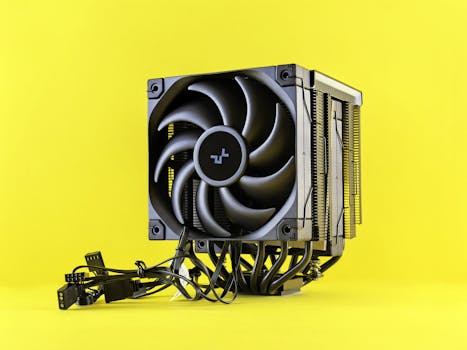
Close-up of an advanced gaming desktop PC with GeForce RTX, liquid cooling, and RGB lighting. Photo: Andrey Matveev / Pexels
When you embark on the journey of how to choose a gaming laptop 2024, the first and most critical area to focus on is understanding its core components. These elements dictate the machine's performance, longevity, and overall gaming experience. At the forefront is the Graphics Processing Unit (GPU), often referred to as the graphics card. This is arguably the single most important component for gaming. For 2024, you'll primarily be looking at NVIDIA's GeForce RTX series (e.g., RTX 4050, 4060, 4070, 4080, 4090) or AMD's Radeon RX series (e.g., RX 7600S, 7700S, 7800S). A higher-tier GPU will provide better frame rates, allow for higher graphical settings, and future-proof your system for upcoming titles. Don't just look at the model number; pay attention to the TGP (Total Graphics Power) or Wattage, as this indicates how much power the GPU can draw and directly impacts its performance within a laptop chassis. A higher TGP means more power and better performance, assuming the cooling can handle it. Next up is the Central Processing Unit (CPU). While the GPU handles the heavy lifting for rendering graphics, the CPU manages game logic, AI, physics, and background processes. For 2024, Intel's 13th or 14th Gen Core i7 or i9 processors (e.g., Core i7-13700HX, i9-14900HX) and AMD's Ryzen 7 or Ryzen 9 processors (e.g., Ryzen 7 7745HX, Ryzen 9 7945HX) are excellent choices. While a powerful CPU is important, it's generally less critical than the GPU for pure gaming performance, especially at higher resolutions. However, for streaming, video editing, or multitasking while gaming, a strong CPU becomes more beneficial. Random Access Memory (RAM) is another vital component. 16GB of DDR5 RAM is the sweet spot for most modern gaming in 2024, providing ample headroom for games and background applications. While 8GB might suffice for older titles, it will quickly become a bottleneck for new AAA releases. 32GB is an excellent upgrade for enthusiasts, streamers, or those who run many applications simultaneously, but it's not strictly necessary for most gamers. Pay attention to the RAM speed (MHz) as well, with higher speeds generally offering marginal performance gains. Finally, storage profoundly impacts loading times. A Solid State Drive (SSD) is non-negotiable for a gaming laptop in 2024. NVMe PCIe SSDs offer significantly faster read/write speeds than older SATA SSDs or traditional Hard Disk Drives (HDDs). Aim for at least 512GB, but 1TB or more is highly recommended, especially with game sizes continually increasing. Some laptops offer a combination of a smaller SSD for the operating system and a larger HDD for game storage, but for the best experience, an all-SSD setup is preferred. Consider how these components work together; a balanced system where no single component significantly bottlenecks another provides the best overall experience. For more insights into specific tech terms, check out our guide on understanding gaming hardware.

Display, Ergonomics, and Thermal Management: Beyond Raw Power

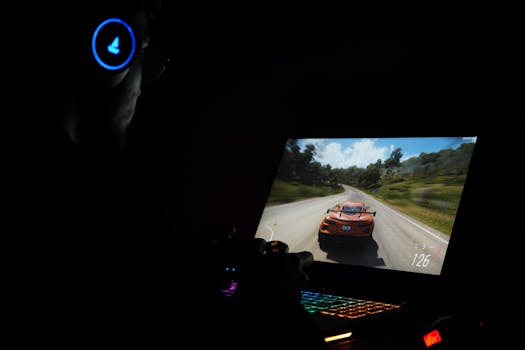
Close-up of a laptop keyboard and screen with vibrant graphics. Ideal for tech themes. Photo: Foysal Ahmed / Pexels
Once you've wrapped your head around the internal horsepower, the next crucial considerations for how to choose a gaming laptop 2024 revolve around what you see, feel, and how well the machine handles the heat. The display is your window into the game world, and its specifications significantly impact your experience. For 2024, a high refresh rate is paramount. Look for screens with at least 120Hz, but 144Hz, 165Hz, or even 240Hz are common and highly desirable, especially for competitive gaming where every millisecond counts. A higher refresh rate translates to smoother motion and a more fluid visual experience. Resolution is another factor; Full HD (1920x1080) is standard and often preferred for maximizing frame rates, especially with mid-range GPUs. QHD (2560x1440) offers sharper visuals and is a great option if your GPU can consistently push high frame rates at that resolution. 4K displays are available but often overkill for gaming on a laptop screen and significantly more demanding on the GPU, often leading to lower frame rates. Panel technology also matters: IPS panels offer excellent color accuracy and wide viewing angles, making them the preferred choice for most gamers. Ergonomics play a huge role in long gaming sessions. The keyboard is your primary interface, so consider key travel, tactile feedback, and backlighting (RGB per-key backlighting is a popular feature). Some laptops offer mechanical or optical-mechanical switches for an enhanced typing and gaming feel. The trackpad is less critical for gaming, as most gamers use an external mouse, but a responsive and accurate one is a plus for general use. Portability is also a factor; gaming laptops range from bulky desktop replacements to sleek, thin-and-light designs. Your lifestyle dictates what's best. Do you need to carry it daily, or will it mostly stay on a desk? Thinner laptops often make compromises on cooling or raw power. Speaking of cooling, thermal management is arguably one of the most critical, yet often overlooked, aspects of a gaming laptop. High-performance components generate a lot of heat, and if not dissipated effectively, the CPU and GPU will 'throttle' – reduce their performance to prevent overheating. This leads to dropped frame rates and a less consistent gaming experience. Research reviews that specifically discuss a laptop's thermal performance under sustained load. Look for laptops with robust cooling systems, often featuring multiple fans, large heat pipes, and efficient ventilation. Some brands incorporate vapor chambers or liquid metal thermal paste for superior heat transfer. While you can't see the cooling system directly, reviews and benchmarks will highlight how well a laptop maintains its performance over time. Proper cooling ensures your expensive components perform at their peak for longer, protecting your investment and enhancing your gameplay.

Connectivity, Battery Life, and Brand Reputation: Completing the Picture

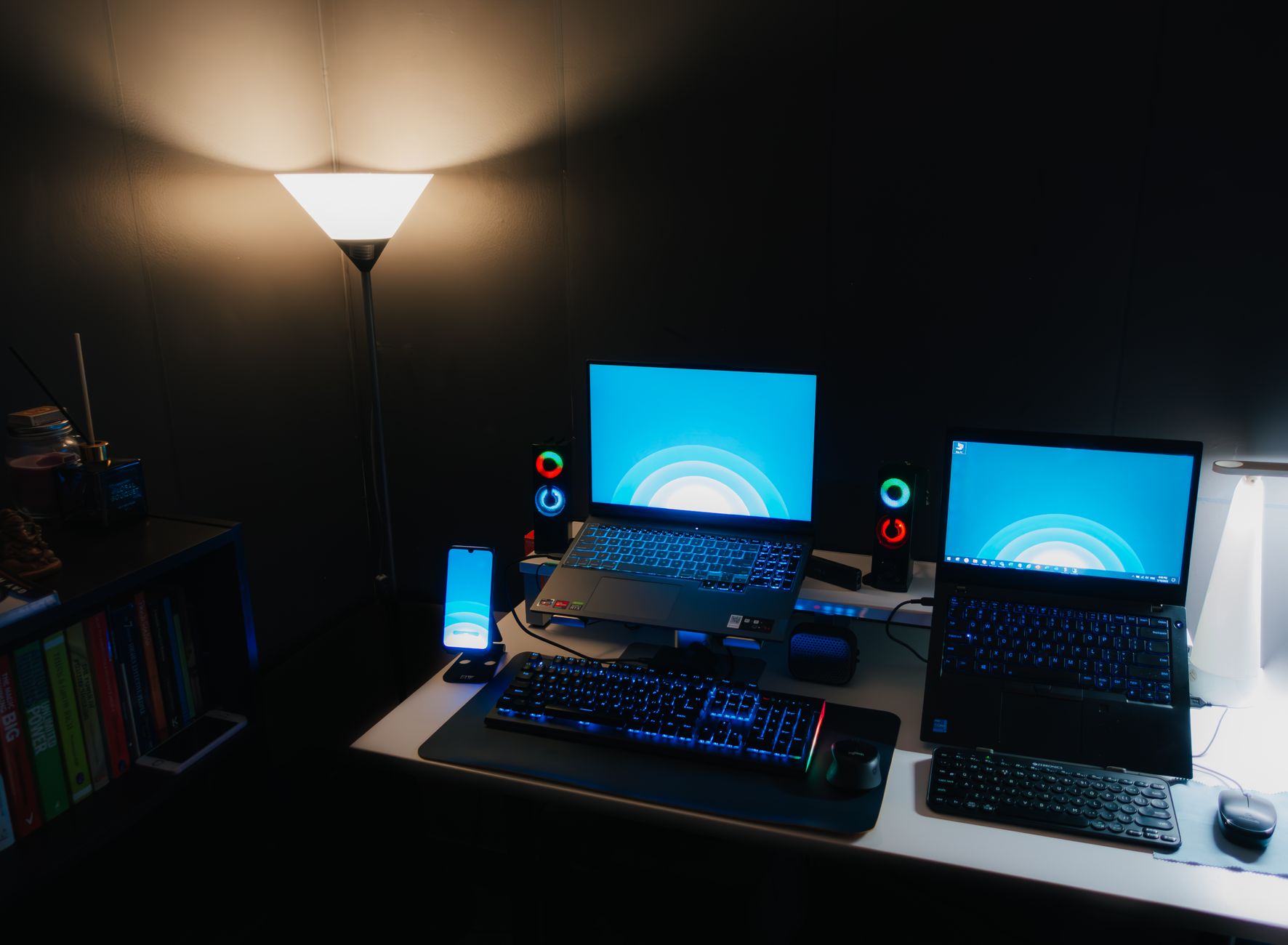
A angled close-up of a sleek laptop with blue ambient lighting highlighting its ports. Photo: Eric Feng / Pexels
Beyond the core specs and visual experience, several other factors are crucial when you consider how to choose a gaming laptop 2024, including connectivity, battery life, and the reputation of the manufacturer. A gaming laptop needs a robust array of ports to connect all your peripherals. Essential ports include multiple USB-A ports (for mouse, keyboard, external drives), at least one USB-C port (preferably Thunderbolt 4 for high-speed data transfer and external display support), an HDMI or DisplayPort for external monitors, and an Ethernet port for a stable wired internet connection. Wi-Fi 6E is the current standard for wireless connectivity, offering faster speeds and lower latency, which is beneficial for online gaming. Bluetooth 5.2 or newer is also important for connecting wireless headsets and controllers. Ensure the laptop has enough ports for your current setup and potential future upgrades, as dongles can be cumbersome. Battery life is generally not a strong suit for gaming laptops, as powerful components consume a lot of energy. Most gaming laptops will offer only 2-4 hours of gaming on battery, and often less for demanding titles. When gaming, you'll almost always want to be plugged into the wall adapter to ensure maximum performance, as laptops often limit power to components when running on battery. However, for general productivity, web browsing, or media consumption, you might get 5-8 hours or more from some models. If portability and unplugged use are critical for you outside of gaming, look for models with larger battery capacities (measured in Watt-hours, Wh) and power-efficient CPUs like AMD's U-series or Intel's P-series, though these are less common in high-end gaming machines. Some gaming laptops now offer 'Advanced Optimus' or MUX switches, which allow the laptop to intelligently switch between the dedicated GPU and the integrated GPU, improving battery life during light tasks and ensuring maximum performance when needed. Finally, brand reputation and customer support are often overlooked but incredibly important. Reputable brands like ASUS ROG, MSI, Acer Predator, Lenovo Legion, Alienware, and Razer have established track records in the gaming laptop market. They often offer better build quality, more refined cooling solutions, and more reliable drivers and software. Research user reviews regarding a brand's customer service and warranty policies. A strong warranty and responsive support can save you a lot of headaches if something goes wrong. Consider the pre-installed software; some brands include more bloatware than others, which can impact performance. Opt for a brand known for clean installations or be prepared to spend time uninstalling unnecessary programs. Reviews from trusted tech outlets and user forums are invaluable resources for evaluating these aspects before making your final decision on your next gaming machine.

Common Mistakes to Avoid and Pro Tips for Your 2024 Gaming Laptop Purchase

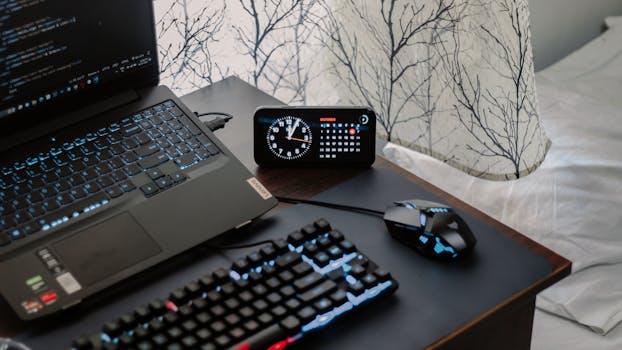
A modern workspace featuring a laptop, digital clock, gaming mouse, and keyboard, ideal for work and tech enthusiasts. Photo: Arjunn. la / Pexels
Navigating the myriad options for gaming laptops can be daunting, and it's easy to make missteps. To help you how to choose a gaming laptop 2024 wisely, here are some common mistakes to avoid and pro tips to ensure you get the best value and experience: **Common Mistakes to Avoid:** * **Prioritizing CPU over GPU:** As discussed, the GPU is king for gaming. Don't sacrifice a better GPU for a marginally faster CPU unless you have specific CPU-intensive workflows (like heavy video editing or 3D rendering) alongside gaming. * **Ignoring TGP/Wattage:** A laptop with an RTX 4060 might perform vastly differently than another RTX 4060 if one has a significantly lower TGP. Always check the GPU's power limits in reviews. * **Overlooking Thermal Performance:** A laptop with powerful specs is useless if it throttles heavily. Always check reviews for sustained performance benchmarks and thermal reports. * **Skimping on SSD Storage:** Modern games are huge. A 256GB or even 512GB SSD will fill up quickly. Aim for 1TB if possible, or ensure there's an extra M.2 slot for future expansion. * **Forgetting the Display:** A powerful GPU paired with a low refresh rate (e.g., 60Hz) screen is a wasted investment. Ensure your display matches your GPU's capabilities. * **Buying Without Checking Reviews:** Never rely solely on specifications. Real-world performance, build quality, fan noise, and keyboard comfort can only be truly assessed through comprehensive reviews. * **Not Considering Future-Proofing:** While perfect future-proofing is impossible, investing in slightly better RAM (16GB DDR5), a strong GPU, and sufficient storage will keep your laptop relevant for longer. **Pro Tips for Your Purchase:** * **Set a Realistic Budget:** Gaming laptops can range from €800 to €4000+. Knowing your absolute maximum spend helps narrow down choices immediately. * **Identify Your Primary Games:** Are you playing demanding AAA titles, esports games, or a mix? This directly influences the GPU and refresh rate you need. * **Watch for Sales:** Gaming laptops are frequently discounted, especially around major holidays or tech events. Patience can save you hundreds of euros. * **Consider Refurbished (from reputable sources):** Certified refurbished units from manufacturers or trusted retailers can offer significant savings with a warranty. * **Check for Expandability:** Can you easily upgrade RAM or add another SSD later? This can extend the life and utility of your laptop. * **Test the Keyboard and Trackpad (if possible):** If you can visit a store, try out the feel of the keyboard. This is a very personal preference. * **Review Warranty and Return Policies:** Understand what's covered and your options if the laptop isn't what you expected. * **Don't Forget Peripherals:** Factor in the cost of a good gaming mouse, headset, and possibly an external monitor if you don't already have them. These enhance the overall experience significantly. By keeping these points in mind, you'll be well-equipped to make an informed decision and enjoy your new gaming laptop for years to come.

Comparison

FeatureEnthusiast (High-End)Mainstream (Mid-Range)Budget (Entry-Level)
GPU (NVIDIA/AMD)RTX 4080/4090 or RX 7800S/7900S (High TGP)RTX 4060/4070 or RX 7600S/7700S (Medium-High TGP)RTX 4050 or RX 6600M (Lower TGP)
CPU (Intel/AMD)Intel i9-13/14th Gen HX or Ryzen 9 7000-series HXIntel i7-13/14th Gen H/HX or Ryzen 7 7000-series H/HSIntel i5-13/14th Gen H or Ryzen 5 7000-series H
RAM32GB DDR516GB DDR58GB DDR4/DDR5 (upgradeable to 16GB)
Storage1TB+ NVMe SSD512GB-1TB NVMe SSD512GB NVMe SSD
Display (Resolution/Refresh)QHD 165Hz+ or FHD 240Hz+FHD 120Hz-165HzFHD 60Hz-120Hz
Cooling SystemAdvanced (Vapor Chamber, Liquid Metal)Robust (Multiple fans, large heat pipes)Standard (Dual fans, basic heat pipes)
Price Range (approx. EUR)€2000+€1200 - €2000€800 - €1200

What Readers Say

"This guide truly demystified how to choose a gaming laptop 2024 for me. I was overwhelmed, but the breakdown of GPU vs. CPU and the emphasis on TGP helped me pick a fantastic machine within my budget. My new Legion 5 Pro is perfect!"

Lena M. · Berlin, DE

"Excellent article! The tips on avoiding common mistakes saved me from buying an underperforming laptop. I prioritized the GPU and display refresh rate, and my games run flawlessly now. Highly recommend this read before any purchase."

Max P. · Munich, DE

"Following this guide, I finally understood the importance of thermal management. I opted for a laptop known for its cooling, and even during intense sessions, it stays cool and performs consistently. No more throttling for me!"

Sarah K. · Hamburg, DE

"Very comprehensive. While I already knew some basics, the detailed explanation of RAM speeds and SSD types was very helpful. I ended up upgrading to 32GB DDR5 based on the advice, and it's noticeably smoother for multitasking."

Tom B. · Cologne, DE

"As someone new to PC gaming, this article was a lifesaver for how to choose a gaming laptop 2024. The step-by-step approach and clear explanations made the decision much less intimidating. My first gaming laptop is everything I hoped for!"

Julia R. · Stuttgart, DE

Frequently Asked Questions

What is the most important component to consider when I want to choose a gaming laptop 2024?

The Graphics Processing Unit (GPU) is by far the most crucial component for gaming performance. It directly dictates the frame rates and graphical quality you can achieve in games. While the CPU, RAM, and storage are important, a powerful GPU should be your top priority, especially for demanding titles.

Is 8GB of RAM enough for a gaming laptop in 2024?

For most modern AAA games in 2024, 8GB of RAM will be a bottleneck. While it might run some older or less demanding titles, 16GB DDR5 RAM is the recommended minimum for a smooth and future-proof gaming experience, allowing for better multitasking and preventing stuttering.

How do I ensure my gaming laptop won't overheat?

To ensure your gaming laptop won't overheat, research its thermal management system. Look for reviews that specifically test sustained performance and report on CPU/GPU temperatures under load. Laptops with robust cooling, multiple fans, and efficient heat pipes are preferable. You can also undervolt your CPU or use a cooling pad.

How much should I spend on a gaming laptop in 2024?

The cost of a gaming laptop in 2024 can range from €800 for entry-level models to over €4000 for high-end machines. A good mainstream gaming laptop typically falls between €1200 and €2000, offering a strong balance of performance and features for most gamers. Your budget should align with the types of games you plan to play and your desired graphical settings.

Should I choose a gaming laptop or a gaming desktop?

The choice between a gaming laptop and a gaming desktop depends on your priorities. Laptops offer portability and convenience, while desktops generally provide better performance for the price, easier upgrades, and superior cooling. If you need to game on the go, a laptop is ideal. If maximum power and future expandability are your concerns, a desktop is better.

Who should consider buying a gaming laptop in 2024?

Anyone who needs a portable powerful computer for gaming, content creation, or demanding professional tasks should consider a gaming laptop in 2024. Students, frequent travelers, or those with limited space who still desire high-performance computing capabilities will find them particularly beneficial.

Are gaming laptops loud or noisy?

Gaming laptops can be quite loud under heavy load due to their cooling systems working hard to dissipate heat from powerful components. Fan noise is a common characteristic, especially in thinner models. Reviews often comment on noise levels, and some laptops offer 'quiet' or 'silent' modes for less demanding tasks.

What are the future trends for gaming laptops in 2024 and beyond?

Future trends for gaming laptops in 2024 and beyond include continued advancements in power efficiency, leading to better battery life and sustained performance. We'll likely see more widespread adoption of AI-powered upscaling technologies, thinner designs with improved cooling, better integration of haptic feedback, and potentially more diverse form factors with foldable or detachable screens.

Armed with this comprehensive guide, you're now ready to confidently navigate the market and how to choose a gaming laptop 2024 that perfectly matches your needs. Take the plunge and elevate your gaming experience to new heights.

Topics: how to choose a gaming laptop 2024best gaming laptop 2024gaming laptop buying guidegaming laptop specsbudget gaming laptop
Leo List
Brampton weed
Adultwork EstrelaBet Vai de Bet R7 Bet Betão Galera Bet Rainbet Bet9ja Shop SportyBet BetKing Sisal Loto Foot Hollywoodbets YesPlay Odibets RushBet Jugabet BetWarrior BetCity MSport betPawa Fortebet