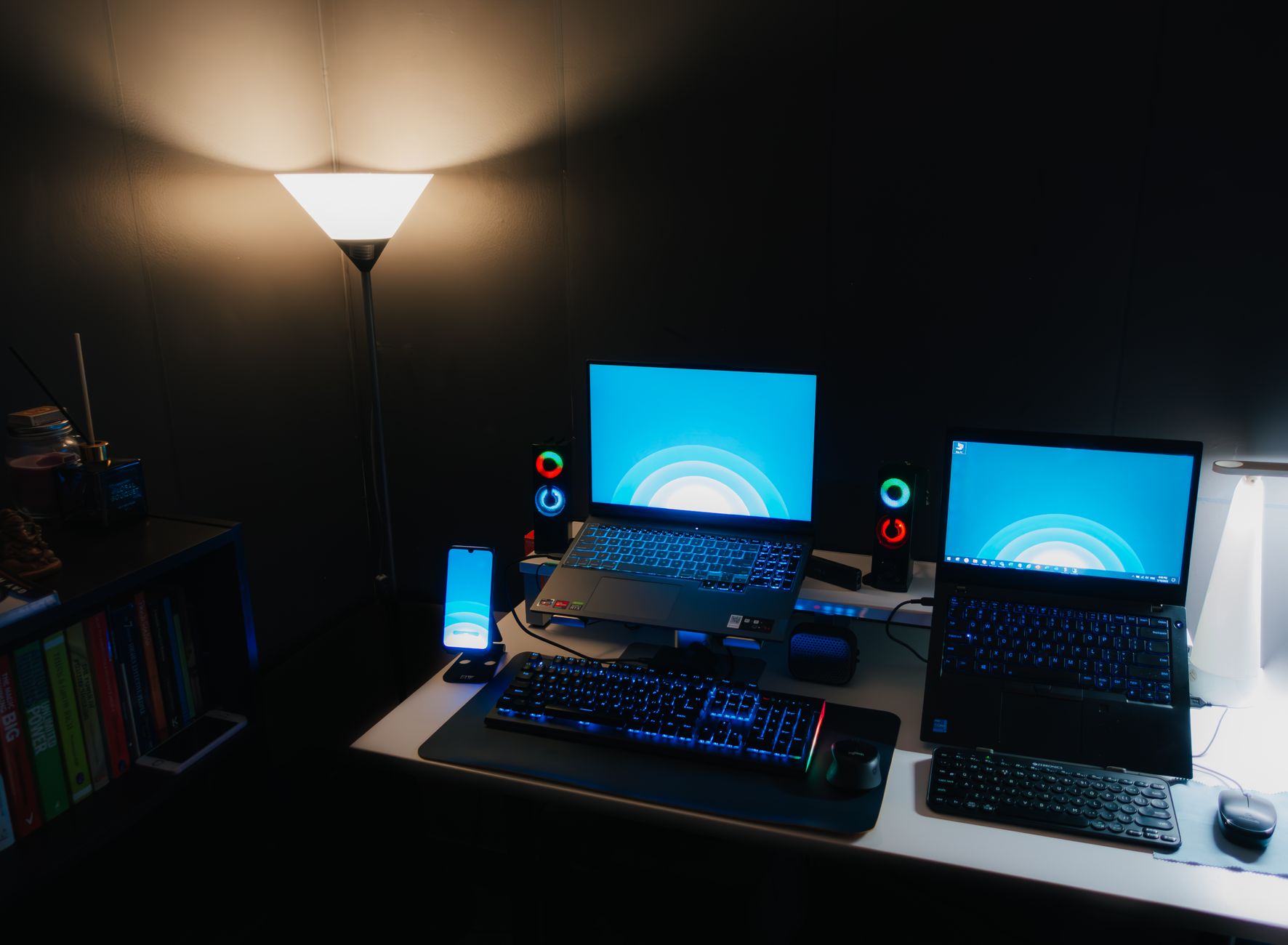
How to Choose a Gaming Laptop 2024: Your Ultimate Guide
how to choose a gaming laptop 2024

How to Choose a Gaming Laptop 2024: Your Ultimate Guide

Unlock the secrets to selecting the perfect gaming laptop for your needs and budget in 2024.

Find Your Perfect Gaming Laptop

Key Takeaways

  • ✓ GPU is the most critical component for gaming performance.
  • ✓ CPU, RAM, and storage also significantly impact overall experience.
  • ✓ Display quality (refresh rate, resolution) is crucial for immersion.
  • ✓ Budget, portability, and cooling are key considerations.

How It Works

1
Define Your Gaming Needs & Budget

Determine which games you'll play and your expected performance (e.g., 1080p, 1440p, competitive esports). Set a realistic budget before exploring options.

2
Prioritize Key Components

Focus on the GPU first, then CPU, RAM, and storage. Understand how each component contributes to gaming performance and overall system responsiveness.

3
Evaluate Display & Ergonomics

Consider screen size, resolution, and refresh rate for your preferred gaming experience. Don't overlook keyboard quality, trackpad, and overall build for comfort.

4
Assess Cooling, Battery & Connectivity

Research the laptop's cooling system for sustained performance. Evaluate battery life for portability and ensure it has all the necessary ports for your peripherals.

Understanding Core Components: GPU, CPU, RAM, and Storage
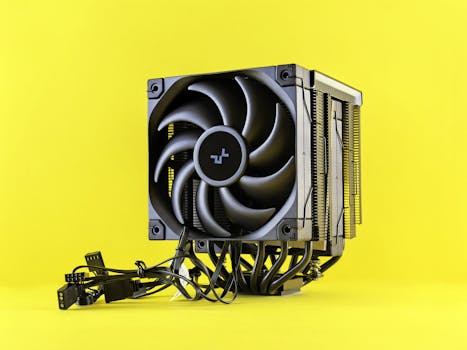
A sleek and modern CPU cooler with cables displayed against a vibrant yellow backdrop. Photo: Andrey Matveev / Pexels
Choosing the right gaming laptop in 2024 starts with a deep dive into its core components. These elements are the engine of your gaming experience, and understanding their roles is paramount to making an informed decision. First and foremost, the Graphics Processing Unit (GPU) is the single most critical component for gaming performance. It's responsible for rendering the visuals you see on your screen, from detailed textures to complex lighting effects. For 2024, you'll primarily be looking at NVIDIA's RTX 40-series (e.g., RTX 4060, 4070, 4080, 4090) or AMD's Radeon RX 7000-series (e.g., RX 7600S, 7700S, 7800S, 7900XTX). The higher the number, generally the better the performance, but also the higher the cost. Pay close attention to the TGP (Total Graphics Power) or Max-Q/Max-P designations, as a lower-TGP version of a powerful GPU can perform worse than a higher-TGP version of a slightly less powerful GPU. A higher TGP means the GPU can draw more power, leading to better sustained performance. Next, the Central Processing Unit (CPU) plays a vital supporting role. While the GPU handles the heavy lifting of graphics, the CPU manages game logic, AI, physics, and communication between other components. For modern gaming, Intel's 13th or 14th Gen Core i7/i9 processors (e.g., i7-13700HX, i9-14900HX) or AMD's Ryzen 7/9 7000 or 8000 series (e.g., Ryzen 7 7745HX, Ryzen 9 8945HS) are excellent choices. While a powerful CPU is beneficial, excessive CPU power often yields diminishing returns beyond a certain point for gaming, especially when paired with a mid-range GPU. It's about balance. Aim for at least an Intel Core i7 or AMD Ryzen 7 for a good gaming experience, with i9 or Ryzen 9 being overkill for most, but beneficial for streaming or content creation alongside gaming. Random Access Memory (RAM) is another crucial factor. While 8GB was once the standard, 16GB of DDR5 RAM is now considered the absolute minimum for a smooth gaming experience in 2024, especially for modern AAA titles. 32GB is increasingly becoming the sweet spot, offering ample headroom for gaming, multitasking, and future-proofing. Pay attention to the RAM speed (MHz) as well, with DDR5-4800MHz or higher being ideal. More RAM allows your system to access frequently used data faster, reducing loading times and improving overall system responsiveness. Finally, storage. An NVMe SSD (Solid State Drive) is non-negotiable for gaming in 2024. The lightning-fast read/write speeds significantly reduce game loading times and improve operating system responsiveness. Aim for at least 512GB, but 1TB is highly recommended to accommodate larger game installations. Many laptops offer a secondary slot for an additional SSD, providing future expansion options. Hard Disk Drives (HDDs) are too slow for modern gaming and should be avoided as primary storage in a gaming laptop. Understanding the interplay of these components is the first step in mastering how to choose a gaming laptop 2024 that truly meets your expectations.

Display, Cooling, and Ergonomics: Enhancing Your Gaming Experience

A young boy focuses intently on a laptop, surrounded by gaming accessories indoors. Photo: Boris Hamer / Pexels
Beyond the raw processing power, the display, cooling system, and ergonomic design of a gaming laptop profoundly impact your overall gaming experience. When considering the display, several factors come into play. First, resolution. While 4K displays offer incredible detail, they are incredibly demanding on the GPU, often leading to lower frame rates unless paired with top-tier hardware (RTX 4080/4090 or RX 7900XTX). For most gamers, a 1080p (Full HD) or 1440p (QHD) display strikes the best balance between visual fidelity and performance. 1440p is rapidly becoming the new sweet spot, offering sharper images than 1080p without the extreme performance hit of 4K. Second, refresh rate. This refers to how many times per second the display can draw a new image. For competitive gaming, higher refresh rates are paramount. Aim for at least 120Hz, with 144Hz, 165Hz, or even 240Hz being common in 2024. A higher refresh rate translates to smoother motion and a more responsive feel, giving you an edge in fast-paced games. Look for displays with G-Sync (NVIDIA) or FreeSync (AMD) technology, which synchronize the display's refresh rate with the GPU's output, eliminating screen tearing and stuttering. Panel type also matters: IPS panels offer excellent color accuracy and wide viewing angles, making them ideal for both gaming and general use. OLED panels are emerging, offering incredible contrast and black levels, but often come at a premium. Effective cooling is perhaps one of the most overlooked yet critical aspects of a gaming laptop. Powerful components generate significant heat, and inadequate cooling can lead to thermal throttling, where the CPU and GPU reduce their clock speeds to prevent overheating. This directly translates to lower frame rates and inconsistent performance. Look for laptops with robust cooling solutions, often featuring multiple fans, larger heatsinks, and advanced heat pipe designs. Reviews often highlight how well a laptop manages heat under sustained load – this is crucial. Some higher-end models even incorporate vapor chambers or liquid metal thermal paste for superior heat dissipation. A laptop that runs hot will not only perform worse but also experience a shorter lifespan. Don't compromise on cooling; it's the guardian of your laptop's performance. Finally, ergonomics and build quality contribute significantly to your comfort during long gaming sessions. The keyboard is vital: look for good key travel, tactile feedback, anti-ghosting, and N-key rollover. Per-key RGB lighting is a common aesthetic feature but also aids visibility in dim environments. The trackpad quality is less critical for gaming (as you'll likely use an external mouse), but a responsive and accurate one is appreciated for everyday use. Consider the overall build materials – metal chassis often offer better rigidity and heat dissipation than plastic. Portability is another ergonomic factor: do you need a thin and light machine for travel, or can you tolerate a thicker, heavier laptop that might offer better cooling and performance? Balancing these elements ensures your gaming laptop is not just powerful, but also a pleasure to use.

Budget, Brand, and Future-Proofing Your Gaming Investment
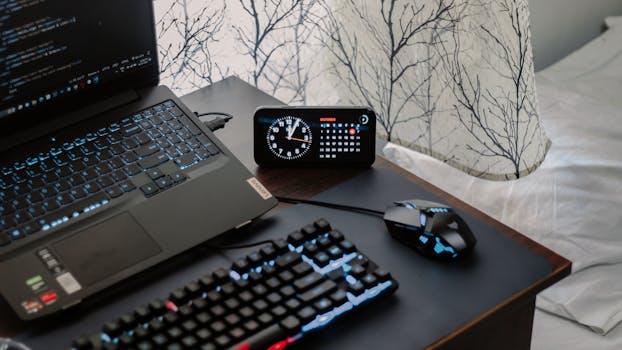
A modern workspace featuring a laptop, digital clock, gaming mouse, and keyboard, ideal for work and tech enthusiasts. Photo: Arjunn. la / Pexels
Navigating the landscape of gaming laptops in 2024 also requires a strategic approach to budget, brand reputation, and future-proofing your investment. Your budget is perhaps the most defining factor. Gaming laptops can range from around €1000 for entry-level models to well over €4000 for high-end, enthusiast machines. It's essential to set a realistic budget upfront and then prioritize components within that range. If your budget is tight, focus on getting the best GPU you can afford, even if it means compromising slightly on the CPU or RAM (which can often be upgraded later). For example, an RTX 4060 or RX 7600S will provide excellent 1080p gaming, while an RTX 4070 or RX 7700S pushes into 1440p territory more comfortably. Remember that the price often reflects not just raw power, but also build quality, cooling efficiency, and premium features like high-refresh-rate OLED screens or advanced RGB lighting. Brand reputation is another critical consideration. Established brands like ASUS (ROG/TUF), MSI, Acer (Predator/Nitro), Lenovo (Legion), Dell (Alienware), HP (Omen/Victus), and Razer have long histories in the gaming laptop market. They offer varying levels of build quality, customer support, and design philosophies. Researching reviews for specific models, not just brands, is crucial, as quality can vary even within a manufacturer's lineup. Look for consistent positive feedback regarding cooling, reliability, and after-sales service. Some brands excel in raw performance, others in design, and some in value for money. A strong community presence and readily available drivers and firmware updates are also indicators of a reliable brand. Future-proofing your gaming laptop involves making choices today that will keep your machine relevant for several years. While no technology is truly future-proof, you can extend your laptop's lifespan by investing in certain areas. Opting for 32GB of RAM over 16GB, if your budget allows, provides more headroom for future games and applications. Choosing a laptop with at least 1TB of NVMe SSD storage, or one with an empty M.2 slot for future expansion, will prevent you from running out of space as game sizes continue to grow. Consider a GPU that is slightly more powerful than what you currently need, as game requirements tend to increase over time. For example, if you plan to game at 1080p for the next 3-4 years, an RTX 4070 might offer better longevity than an RTX 4060. However, be mindful of the diminishing returns – spending significantly more for a marginal performance bump might not be the most economical form of future-proofing. Instead, focus on a balanced system that provides a solid foundation. Remember to check for upgradeability – some laptops allow you to swap out RAM or add an extra SSD, while others solder components in place. This flexibility can be a major factor in extending your laptop's usable life. By carefully considering your budget, choosing a reputable brand, and making strategic choices for longevity, you can confidently navigate how to choose a gaming laptop 2024 that will serve you well for years to come.

Common Mistakes to Avoid When Choosing a Gaming Laptop

When embarking on the journey of choosing a gaming laptop in 2024, it's easy to fall into common pitfalls that can lead to buyer's remorse. Being aware of these mistakes can save you both money and frustration. Here are some crucial errors to avoid: * **Prioritizing CPU over GPU:** This is perhaps the most frequent mistake. While a powerful CPU is good, for gaming, the GPU is king. Many entry-level gaming laptops will pair a top-tier CPU with a mid-range GPU. This creates a bottleneck where the GPU cannot keep up with the CPU, leading to underutilized processing power and lower frame rates. Always allocate the largest portion of your budget to the best GPU you can afford. * **Ignoring TGP (Total Graphics Power):** As mentioned earlier, not all GPUs are created equal, even if they share the same model number. A laptop's cooling system dictates how much power the GPU can draw. An RTX 4070 with a low TGP (e.g., 80W) will perform significantly worse than an RTX 4070 with a high TGP (e.g., 140W). Always check reviews for TGP figures and real-world gaming benchmarks. * **Underestimating Cooling System Importance:** A thin and light design might look appealing, but it often comes at the cost of less effective cooling. Thermal throttling will severely impact performance and longevity. Don't just look at specs; look for reviews that specifically test sustained performance under load. * **Neglecting Display Specs:** A powerful GPU is wasted on a poor display. Settling for a 60Hz screen when you have an RTX 4070 means you're missing out on the smooth gameplay that a 120Hz or 144Hz panel offers. Likewise, a 1080p screen might not do justice to a 4K-capable GPU. Balance your display choice with your GPU's capabilities. * **Skimping on Storage:** Modern games are massive. A 256GB or even 512GB SSD will fill up incredibly fast. You'll constantly be uninstalling and reinstalling games. Aim for at least 1TB NVMe SSD from the start, or ensure there's an easily accessible second M.2 slot for future expansion. * **Overlooking RAM:** While 16GB is the minimum, 32GB DDR5 is becoming the standard for high-end gaming and multitasking in 2024. If a laptop has soldered RAM and only 16GB, you might regret it down the line. Check for upgradeability. * **Buying for Aesthetics Alone:** While a flashy design and RGB lighting are cool, they don't improve performance. Prioritize substance over style. A laptop with a robust cooling system and better internal components will always outperform one that merely looks good. * **Ignoring Portability vs. Performance Trade-offs:** Thin and light gaming laptops often sacrifice performance and cooling for their sleek form factor. If maximum performance is your goal and you rarely move your laptop, a thicker, heavier model will likely offer better value and sustained power. If portability is paramount, be prepared for potential compromises. By diligently avoiding these common mistakes, you'll be much better equipped to make an intelligent and satisfying purchase when deciding on your next gaming laptop.

Comparison

FeatureEntry-Level (1080p)Mid-Range (1080p/1440p)High-End (1440p/4K)
GPURTX 4050/4060 or RX 7600SRTX 4070/4080 or RX 7700S/7800SRTX 4090 or RX 7900XTX
CPUIntel i5/i7 (13th Gen) or Ryzen 5/7 (7000 Series)Intel i7/i9 (13th/14th Gen) or Ryzen 7/9 (7000/8000 Series)Intel i9 (14th Gen) or Ryzen 9 (8000 Series)
RAM16GB DDR516GB-32GB DDR532GB+ DDR5
Storage512GB NVMe SSD1TB NVMe SSD1TB-2TB+ NVMe SSD
Display Refresh Rate120Hz-144Hz165Hz-240Hz240Hz+ or 120Hz+ OLED
Resolution1080p1080p/1440p1440p/4K
Cooling SystemStandard dual-fanEnhanced dual-fan with larger heatsinksAdvanced with vapor chamber/liquid metal
Price Range (EUR)€1000 - €1500€1500 - €2500€2500 - €4000+

What Readers Say

"This guide was incredibly helpful for how to choose a gaming laptop 2024. I was torn between several models, but understanding the GPU TGP and refresh rates made my decision so much clearer. My new laptop handles everything flawlessly!"

Maximilian Schmidt · Berlin, Germany

"As a first-time gaming laptop buyer, I found the breakdown of CPU vs. GPU importance invaluable. I almost overspent on a CPU I didn't need. Thanks to this, I got a perfectly balanced machine for my budget."

Lena Richter · Munich, Germany

"The section on cooling systems changed my perspective. I chose a slightly thicker laptop with better thermal management, and it's paid off – no throttling even during intense gaming sessions. My frame rates are consistently high."

Felix Baumgartner · Hamburg, Germany

"Good insights, particularly on the display specs. I wish there was a bit more on specific brand comparisons, but overall, it provided a solid framework for how to choose a gaming laptop 2024. Very comprehensive."

Sophie Weber · Cologne, Germany

"As someone who also does video editing, the advice on RAM and storage upgradeability was key. I bought a model that allows me to easily expand later, making it a much more versatile investment beyond just gaming."

Jonas Schulz · Frankfurt, Germany

Frequently Asked Questions

What is the single most important component when I choose a gaming laptop in 2024?

The Graphics Processing Unit (GPU) is by far the most crucial component for a gaming laptop. It directly dictates the frame rates and graphical quality you'll experience in games. Prioritize getting the best GPU your budget allows, as a powerful GPU can compensate for a slightly less powerful CPU more effectively than the other way around.

Is 16GB of RAM enough for gaming laptops in 2024?

While 16GB of DDR5 RAM is generally sufficient for most modern games in 2024, 32GB is rapidly becoming the recommended sweet spot, especially for future-proofing, multitasking, and demanding AAA titles. If your budget allows and the RAM is not upgradeable, opting for 32GB from the start is a wise choice.

How do I ensure good cooling in a gaming laptop?

To ensure good cooling, research reviews that specifically test the laptop's thermal performance under sustained load. Look for models with robust cooling systems, often featuring multiple fans, large heatsinks, and advanced heat pipe designs. Thicker laptops generally have better cooling capacity than ultra-thin models due to more internal space for airflow and larger components.

What's a realistic budget for a good gaming laptop in Germany for 2024?

A realistic budget for a good gaming laptop in Germany for 2024 can range from €1000 for entry-level 1080p performance to €2500 for excellent 1440p gaming. High-end machines with top-tier components and premium features can easily exceed €3000-€4000. It's crucial to align your budget with your expected performance and specific gaming needs.

Should I get a 4K screen on my gaming laptop?

For most gamers, a 4K screen on a gaming laptop is often overkill and can lead to compromises. While it offers incredible visual detail, 4K resolution is extremely demanding on the GPU, requiring top-tier hardware (like an RTX 4080 or 4090) to achieve playable frame rates in modern games. A 1080p or 1440p high-refresh-rate display usually offers a better balance of performance and visual quality for the price.

Who should prioritize portability when choosing a gaming laptop?

Those who frequently travel, commute, or need to use their laptop in various locations (e.g., at university, coffee shops, or different rooms in the house) should prioritize portability. However, understand that thinner and lighter gaming laptops often come with trade-offs in terms of cooling efficiency and sometimes raw performance compared to their bulkier counterparts.

Are gaming laptops safe to use for long periods?

Yes, gaming laptops are generally safe for long periods of use, provided they have adequate cooling and you maintain good posture. Overheating can reduce component lifespan, so a laptop with a good cooling system is key. Using a cooling pad can also help. Ergonomic setups, including an external monitor, keyboard, and mouse, can improve comfort for extended sessions.

What are the future trends for gaming laptops in 2024 and beyond?

Future trends for gaming laptops in 2024 and beyond include continued advancements in power efficiency for GPUs and CPUs, leading to better performance in thinner chassis. Expect more widespread adoption of AI-upscaling technologies (DLSS, FSR) to boost frame rates, further improvements in cooling technology, and a growing presence of OLED and mini-LED high-refresh-rate displays for superior visual experiences.

Armed with this comprehensive guide, you are now well-equipped to confidently navigate how to choose a gaming laptop 2024. Take your time, prioritize your needs, and invest wisely to unlock an unparalleled portable gaming experience.

Topics: how to choose a gaming laptop 2024best gaming laptop specsgaming laptop buying guidegaming laptop budgetgaming laptop features
Leo List
Brampton weed
Adultwork